
The Stacks
Six apps for the work on site.
We built the Stacks for the practical jobs our own teams handle at the venue, from scanning tickets and taking payments to coordinating staff and tracking their hours. Each app does one job and uses the event information already set up in Event Base.
See the six appsPOS Stack
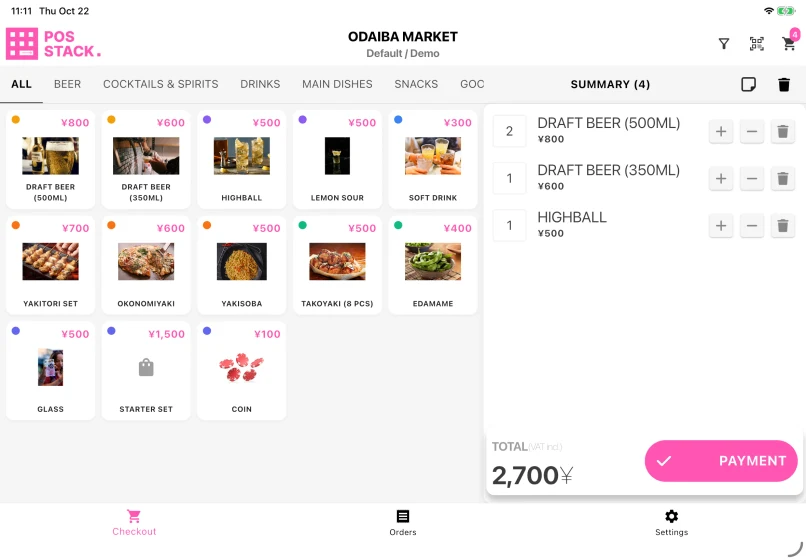
Sell products and take payment at a booth.
Choose the apps that match the work.
You do not need all six. Use the apps that fit what happens at your event.

POS Stack
Sell products and take payment at a booth.

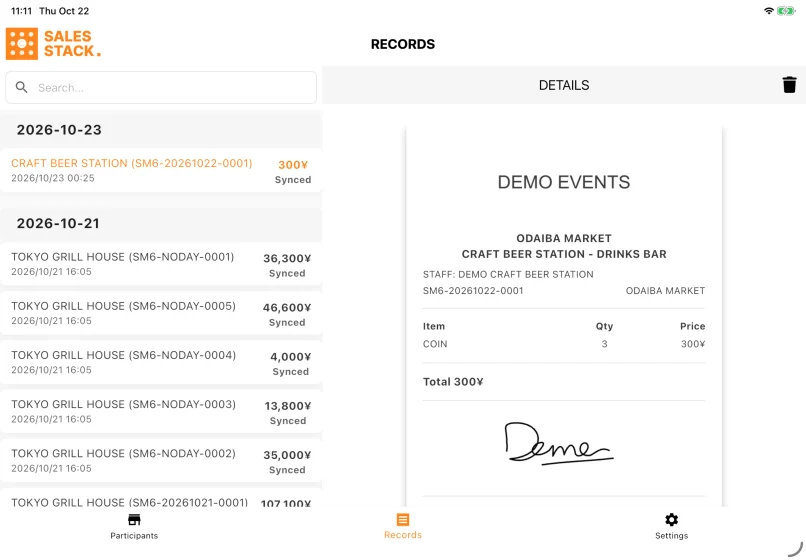
Sales Stack
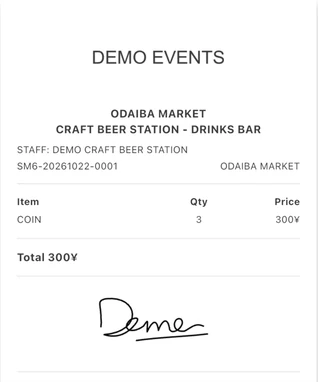
Record the event currency exhibitors hand in for settlement. Exhibitors confirm each record later in Participant Portal.
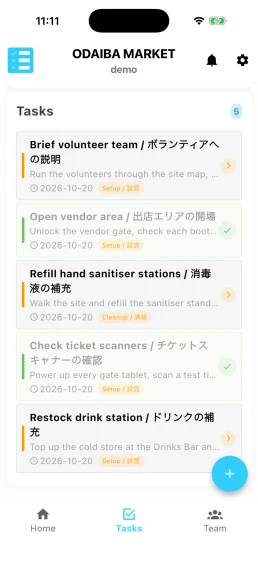
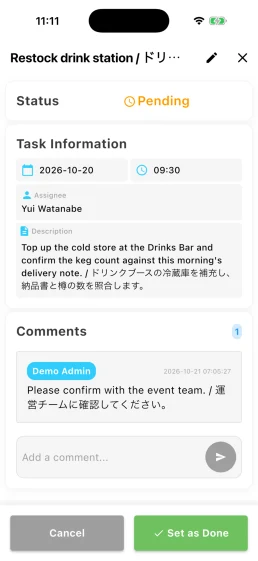
Task Stack
Assign jobs and track what has been completed.
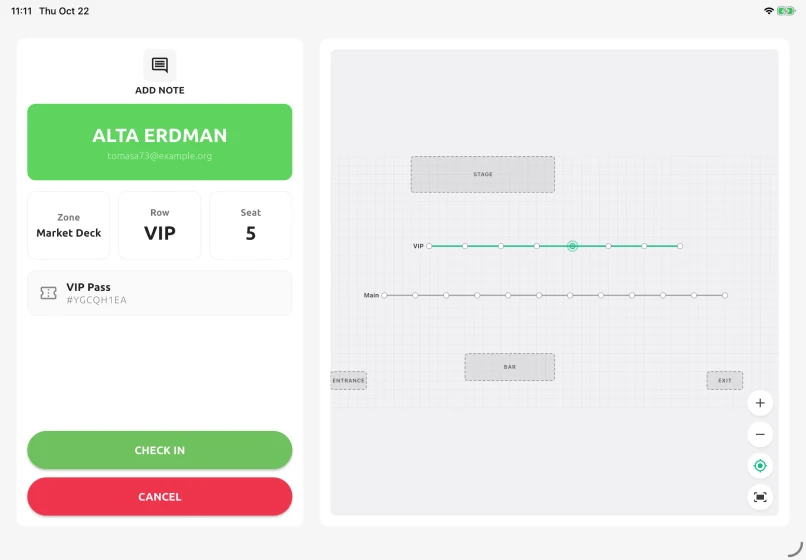
Access Stack
Scan tickets and manage entry and re-entry.
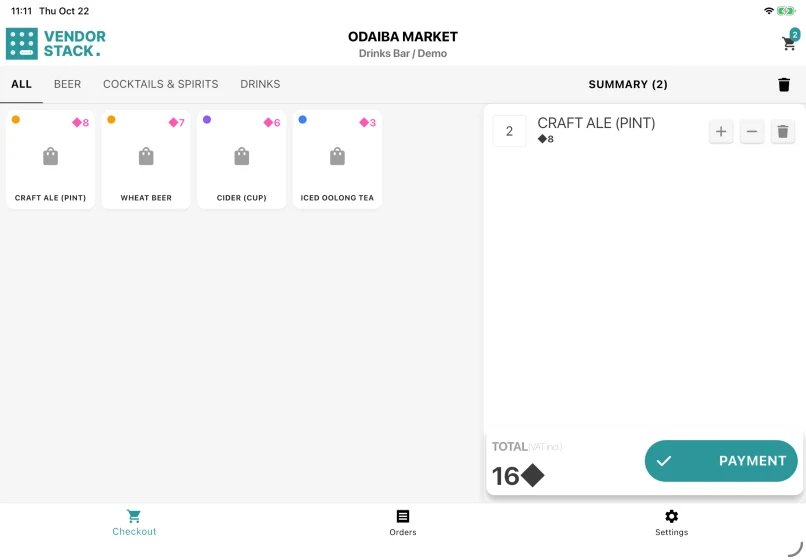
Vendor Stack
Record the items sold at a booth in event currency, coins or tokens.
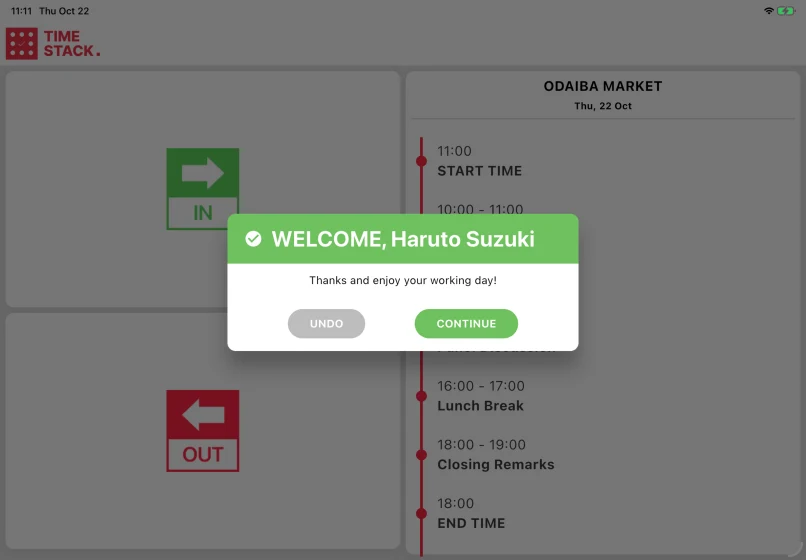
Time Stack
Clock staff in and out and keep their time records together.
Set up once in Event Base.
Configure the event, booths, gates, products and staff in Event Base. Each device signs in, receives its assignment and uses the same event information. Work recorded at the venue syncs back automatically.
01
Set up in Event Base
02
Assign the device
03
Work at the venue
04
Sync the results
What happens when the network drops.
Once an event has been loaded, each device can continue recording its own work and send it when the connection returns.
During an interruption, teams can work locally, but they will not see new activity from other booths or gates until the connection returns.
An internet connection is still needed to:
- Sign in
- Load or change the event
- Process card and QR payments
- Receive current updates from other devices
Built around an iPad on a stand
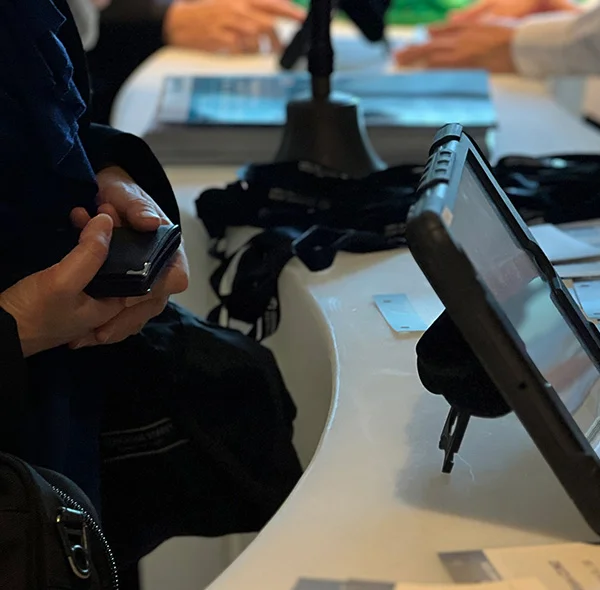
Most screens are designed for a tablet at a fixed position — large enough to read across a counter, stable enough to leave running all day. iPhones and Android tablets run the apps too, with tighter layouts, so use a phone as a backup rather than the main device. Task Stack is the exception: it is meant to be carried, because staff use it while walking the site.
Pushed to your tablets by your device management. Nothing for staff to install.
Questions organisers ask
- Which of the six apps do we need?
- Only the apps that match the work at your event. A venue may use Access Stack at the gates and Task Stack for staff without using any of the sales apps.
- Do the apps work without a network?
- Once an event is loaded, yes — scans and sales are recorded on the device and sent when the connection returns. Signing in, loading an event for the first time and switching events all require a connection. Card and QR payments also require a connection.
- What hardware do we have to buy?
- Usually none beyond tablets you already have. Add a Brother label printer if you print badges at check-in or from the staff clock, a receipt printer if a booth issues printed receipts, and a handheld barcode scanner if a gate queue will move faster with a scanner than with the tablet camera.
- How are the apps installed?
- They are distributed centrally through device management rather than downloaded by individual staff members.
- Do they work on iOS and Android?
- Yes. Fixed-position layouts are designed primarily around an iPad on a stand. Phones and Android tablets are also supported and can be useful as backups or for apps that staff carry around the venue.
Tell us what happens on your event day.
Every event uses a different mix of gates, counters, vendors and staff. We can help work out which Stacks are relevant, and which you can leave out.