
Ticketing and registration
Keep registration, payment and entry on the same ticket record.
Set up ticket types and registration forms for different audiences. Take card, invoice or free registrations, assign seats where needed, send the ticket and validate the same record at the entrance.

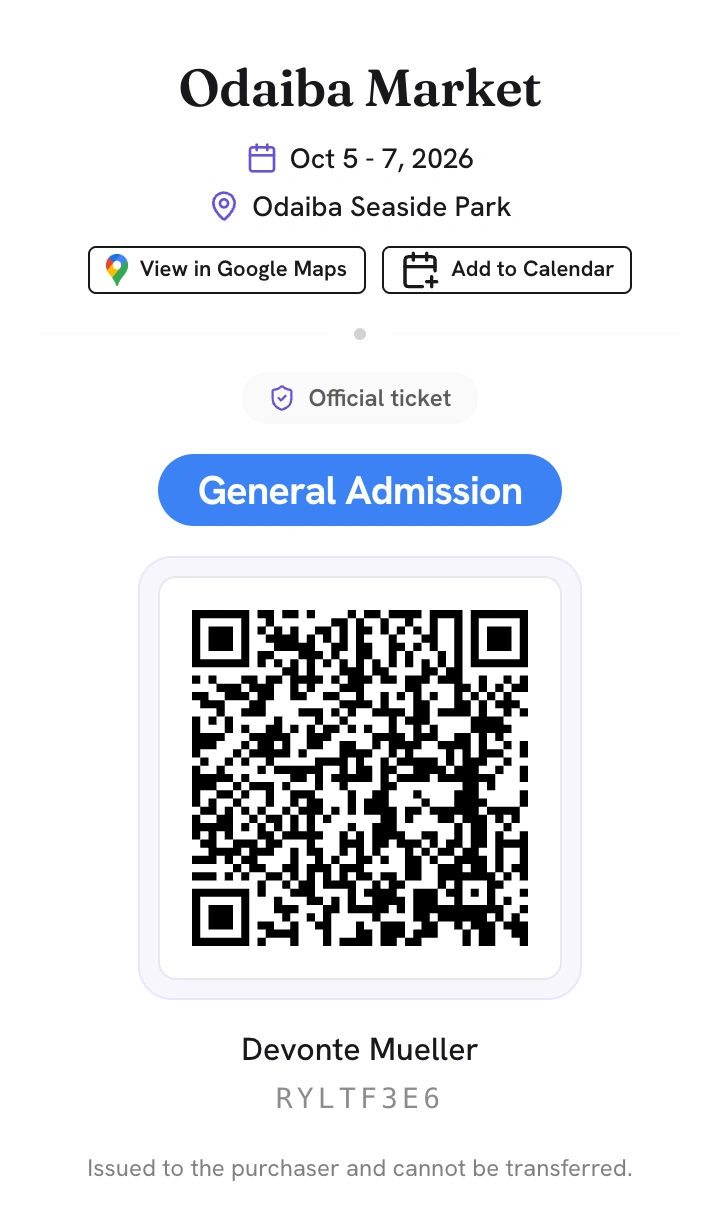
The attendee’s ticket
Ticket types for each audience
Create ticket types for the groups your event needs, such as general admission, members, press, staff or invited guests. Each type can have its own price, quantity and attendee information requirements.
Separate forms for separate audiences
One event can use several registration forms. A public sales page, an invitation-only form and an internal staff form can each have their own URL, ticket selection, opening period, terms and confirmation email.
Card, invoice or free
Take card payments through Stripe, offer invoice payment or issue free tickets. Invoice orders can remain unconfirmed until payment is recorded, so tickets are released at the right point in the process.
 Event Base Ticket orders
Seats, tables and rows
For dinners, theatres and other events with assigned seating, build the venue from zones, tables, rows and seats. Each seat is linked to one ticket and can appear on the registration page, ticket and gate screen.
Annual Charity Gala
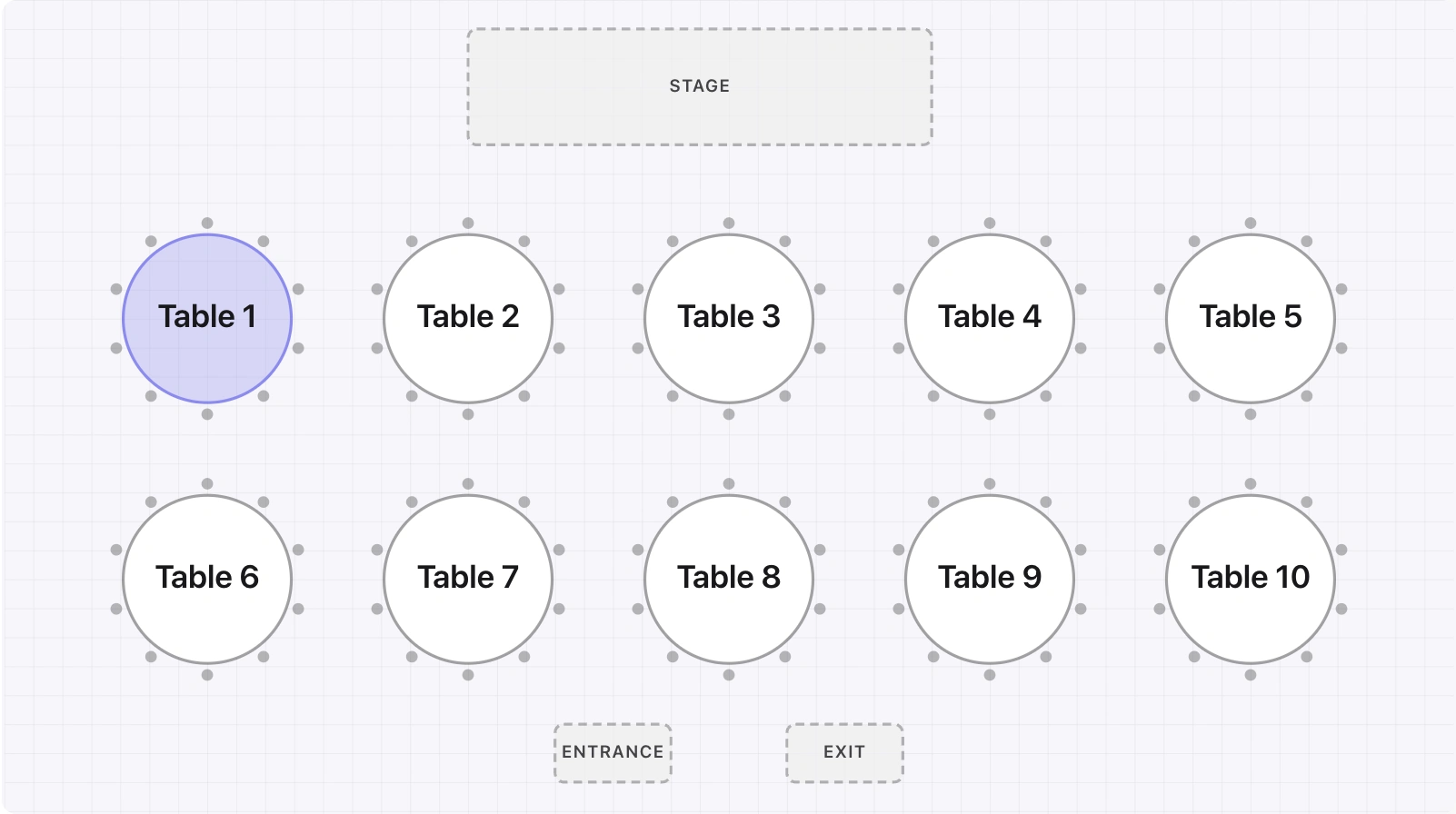
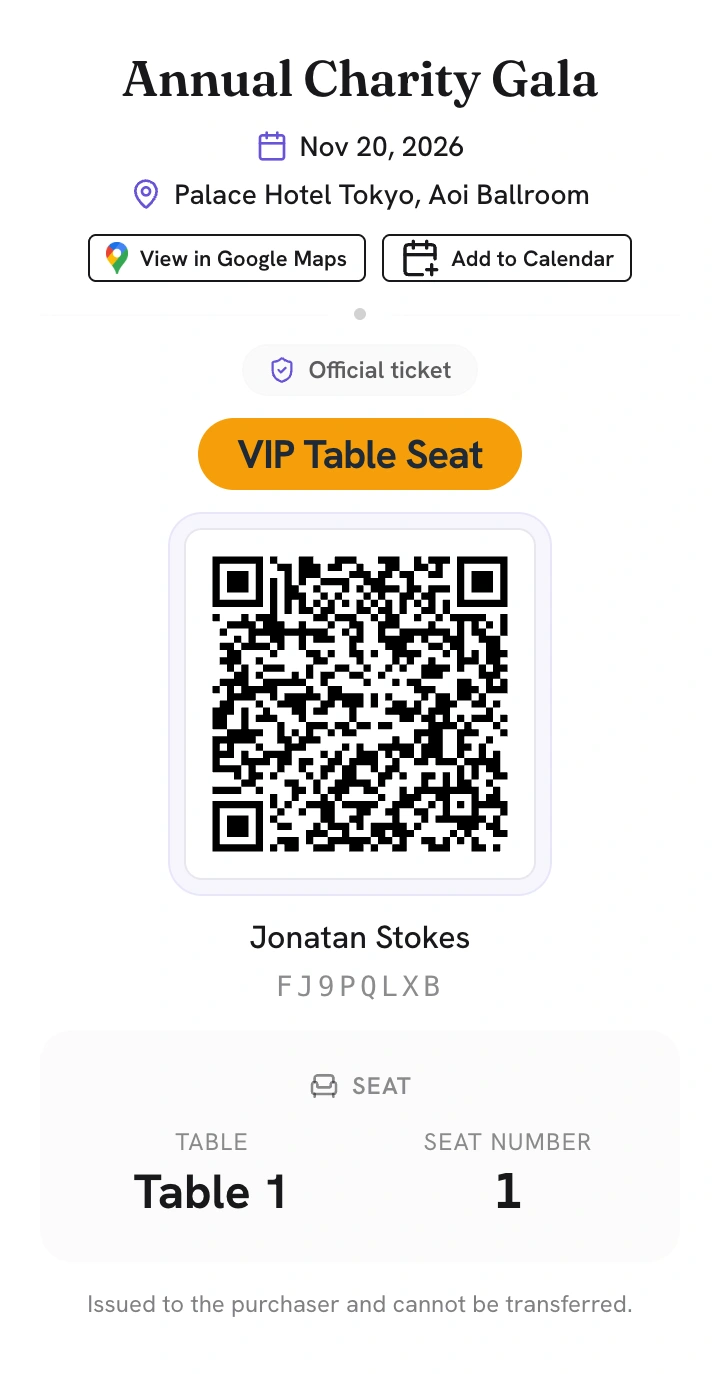
The attendee sees Table 1 · Seat 1
Two ways to check in
At the entrance, staff can scan the encrypted QR code with Access Stack. For a smaller event or a simple, fast entrance, the attendee can open the ticket on their phone and entrance staff can swipe it to check them in. Organisers can also allow attendees to make the swipe themselves. When connected, both methods update the ticket status in Event Base immediately.
The swipe opens a confirmation step before the entry is validated. After check-in, an Entry Confirmed screen can show information chosen by the organiser, including a welcome, the day's schedule or the attendee's table, row or seat.
Access control →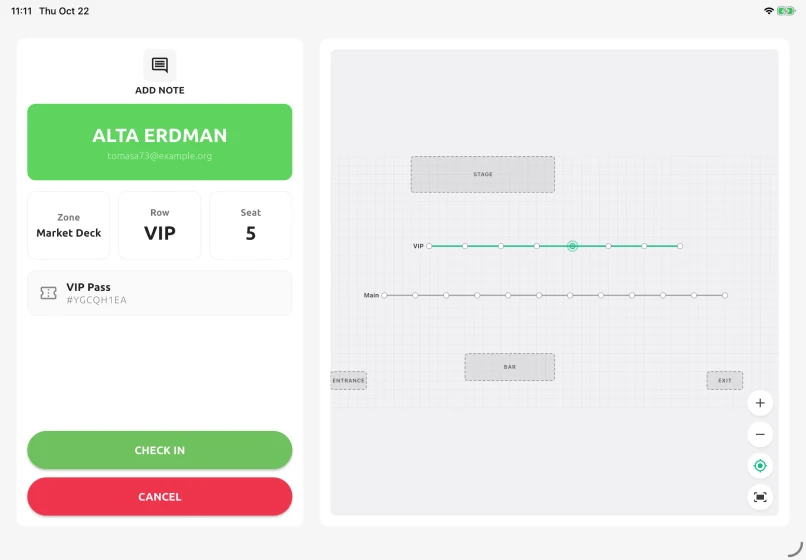
What attendees see after check-in
After the ticket is swiped and confirmed, the Entry Confirmed screen can show information set by the organiser. This might be a simple welcome, the day's schedule or practical information for that attendee, such as their table, row or seat number. At the same time, the check-in is recorded in Event Base.
What the attendee receives
- A ticket by email in the language used for registration
- An encrypted QR code for entry
- An Apple Wallet pass when enabled
- Their table, row or seat when assigned
- A calendar link and a printable ticket page
Explore the platform
Questions organisers ask
- Do we need a separate ticket agency?
- No. You can sell tickets from your own registration pages and receive card payments through your own Stripe account. We will explain the commercial arrangement clearly when we discuss your event.
- Can we invoice corporate buyers?
- Yes. Invoice can be offered as a payment method. The order is placed first, and the tickets can be released when payment has been confirmed.
- Can we collect information for every attendee?
- Yes. You can collect details for every ticket holder or only for the buyer. Custom fields can also appear only when an earlier answer makes them relevant.
- How can attendees be checked in at the entrance?
- Staff can scan the ticket QR code with Access Stack or swipe the ticket on the attendee's phone. For selected events, organisers can allow attendees to make the swipe themselves. When connected, either method updates Event Base immediately.
- What happens if an event is cancelled?
- Public sales close, gate scanning is refused and the ticket page withdraws the QR code, wallet pass and calendar link. The order, ticket and receipt records remain available.
Show us how you sell and admit guests.
Tell us about your ticket types, registration forms, payments and entrance process. We can look together at how they would fit in Event Stacks.