
Event Base
One place to run the whole event.
Event Base brings ticketing, exhibitors, products, staff, gates, sales and reporting into one working system. Use it to prepare the event, follow what is happening on site and keep what you need for the next edition.


Odaiba Market / Schedule

Your participants

One system, different working views.
Organisers and exhibitors both work in Event Base: organisers in the workspace, exhibitors and sponsors in its Participant Portal. Venue teams use the six Stacks on site. Each works with the same event information.
Event Base
Organisers
Organiser workspace
The workspace for event setup, administration and reporting.
Exhibitors and sponsors
Participant Portal
A workspace where exhibitors, sponsors and vendors provide their own information.
Stacks
Venue teams
The six Stacks
Focused apps for the people working at gates, booths and across the venue.






Plan once, reuse every year.
Your exhibitors, products, contacts and settings remain available across events. For each new edition, set what changes: ticket types, registration forms, floorplans, staff shifts, tasks and points of sale.
Keep across events
Exhibitors, products and producers, participant types and contacts, users, team settings and reusable catalogue information.
Available for the next edition.
Set for each edition
Ticket types, registration forms, floorplans, staff shifts, tasks, points of sale and currencies.
Configured around this event.
Use the parts your event needs.
A large festival may use the whole system. A conference may focus on registration, sponsor management, access and reporting. Features are enabled per event, so teams see what is relevant to them.
Ticketing & registration
Sell tickets from your own pages, manage seating, and send tickets and mobile wallet passes.
Access control
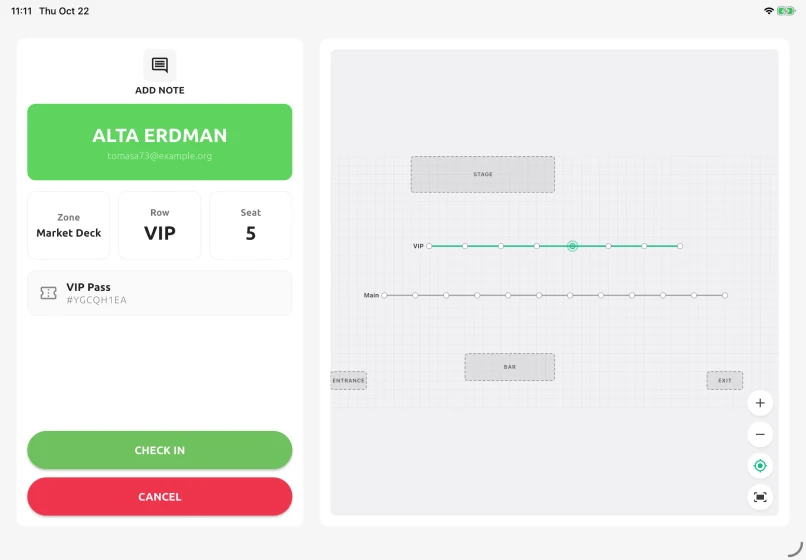
Gates, re-entry rules, encrypted QR scanning and live admissions.
Participants & portal
Exhibitors who submit their own products, documents and revenues.
Products, POS & sales
A reusable catalogue, per-booth pricing, stock, currencies and reporting.
Staff, tasks & time
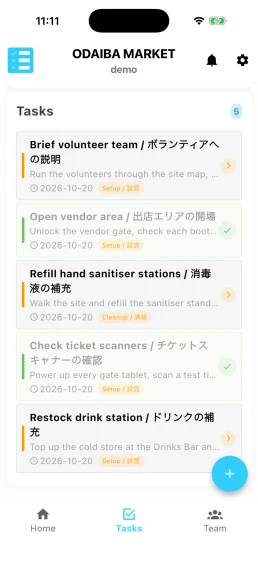
Shifts, job lists and timecards, from planning through payroll.
Live operations
The event-day dashboard, connected devices, surveys and the activity log.
AI assistance and integrations
Connect through the API, or use AI to find information and carry out controlled, recorded actions.
Give people the access they need.
Admins, Editors and Viewers each have a clear level of access. Changes are recorded automatically, so you can see who changed what and when.
English and Japanese, side by side.
Each user can work in their preferred language. Every event has its own timezone and currencies, allowing one team to manage events in different countries.
Odaiba Market / Schedule
お台場マーケット / スケジュール

The same system continues at the venue.
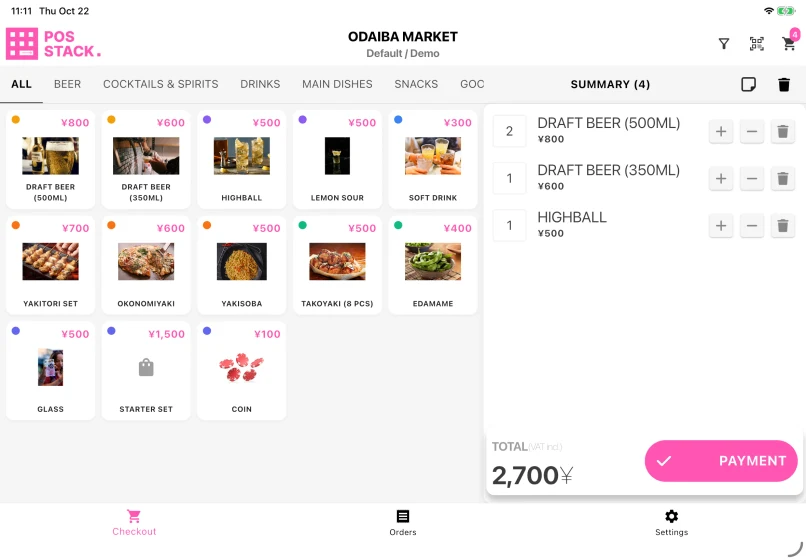
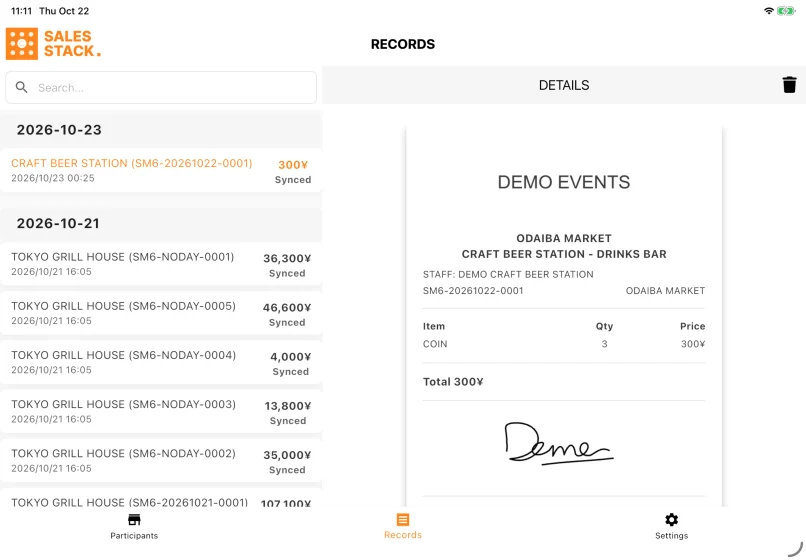
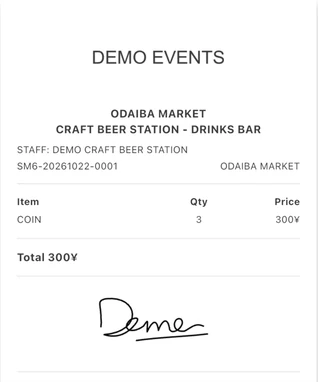
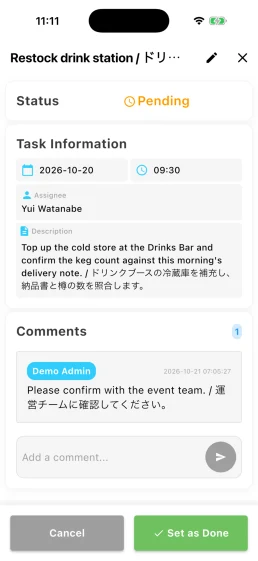
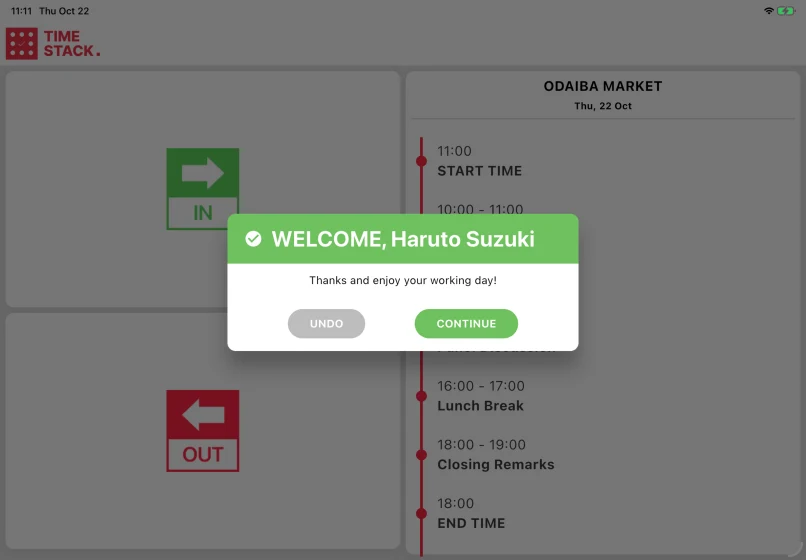
Six focused Stacks help teams sell, scan tickets, record takings, complete tasks and clock in, using the event information already prepared in Event Base.
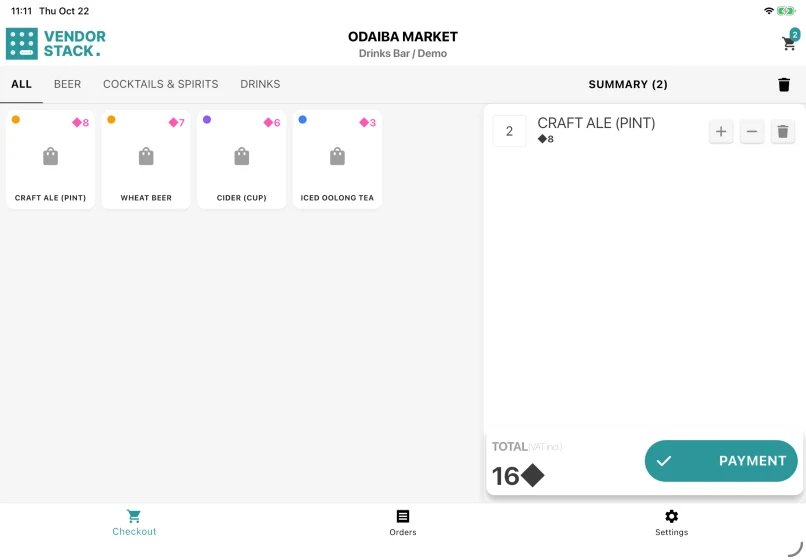
POS Stack
Sell products and take payment at a booth.
Questions organisers ask
- Do we have to use every feature?
- No. Features are enabled per event. A conference with no booths never sees points of sale, and a market with no seating never sees the floorplan.
- Can we run several events at once?
- Yes. Each event has its own team, timezone, currencies and settings, while your catalogue and exhibitor information can be shared across events.
- What happens to our data between events?
- It stays. Products, exhibitors and producers are team-level records, so next year's edition starts from what you already built rather than from an empty workspace.
- Can we get our data out?
- Yes. Data can be exported directly from Event Base. An API is also available when a custom connection is needed.
- Is our data separate from other organisations?
- Yes. Each organisation has its own database and domain, separate from other customers.
Every event works differently.
Tell us how yours is organised. We can look together at which parts of Event Stacks may be useful, and which you may not need.